Your Truck. Your Coach.
YOUR DASHBOARD.
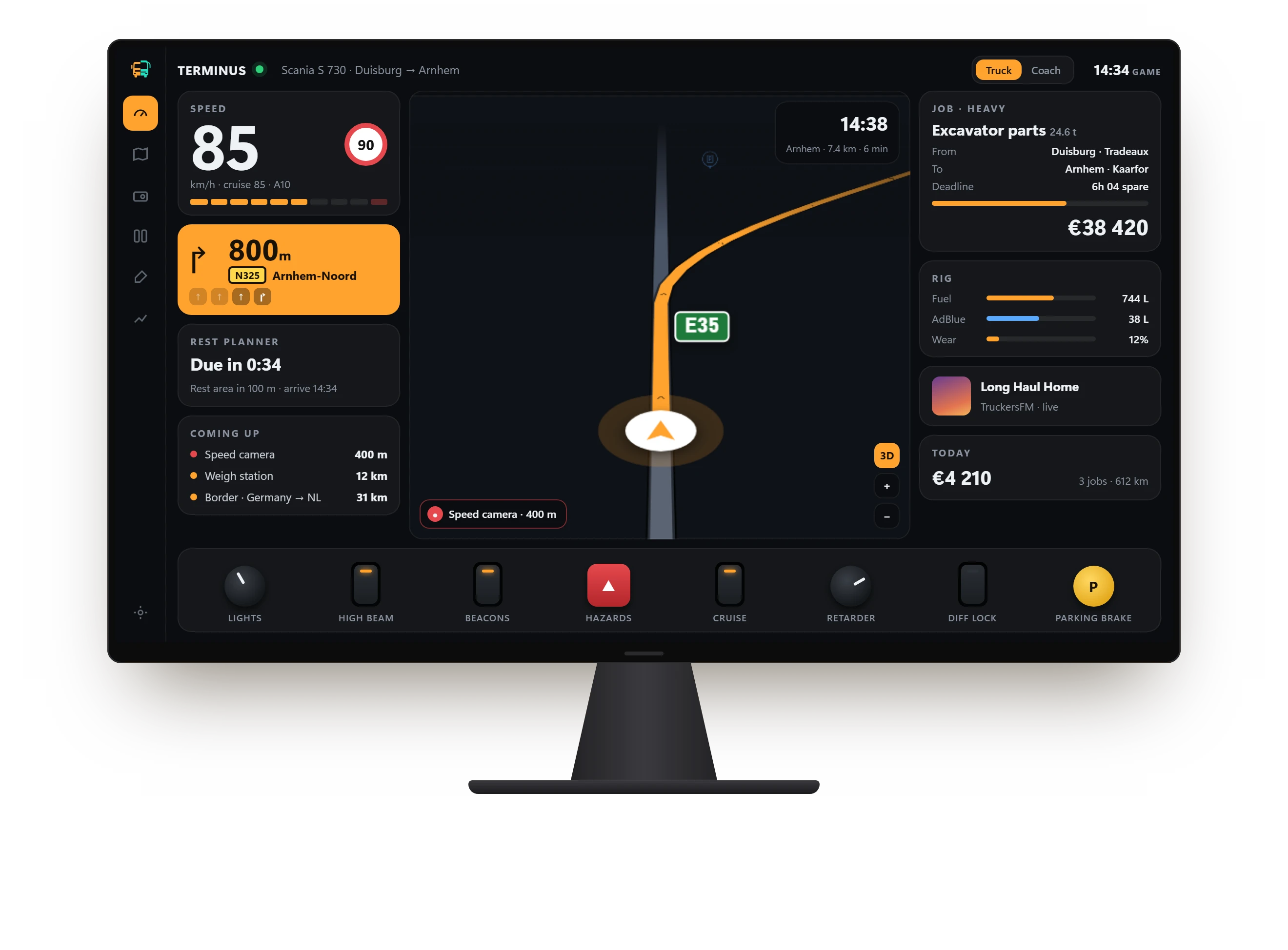
A cab display for Euro Truck Simulator 2 and American Truck Simulator on the Corsair XENEON EDGE. Route, switches, and your load or your line, one glance below the windscreen.

Sold on the Elgato Marketplace · Windows · iCUE 5.52+
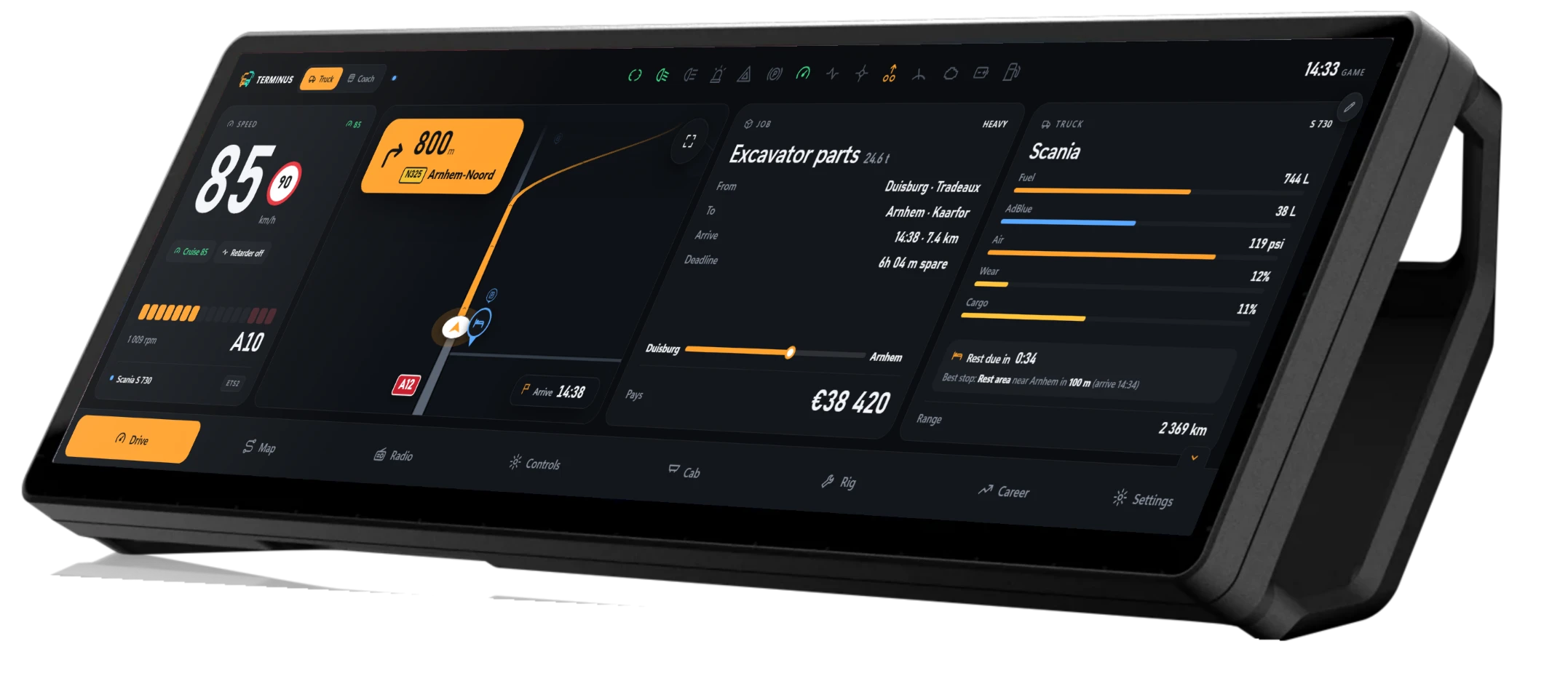
Get the load there.
- The job at a glance: cargo, tonnes, from → to, deadline and pay
- Rest planner: when you're due, and the last stop you'll make in time
- Weigh stations, borders, speed cameras called out ahead
- Rig: truck and trailer wear, fuel, AdBlue, cargo damage
- Retarder, diff lock, lift axles and a push-pull parking brake
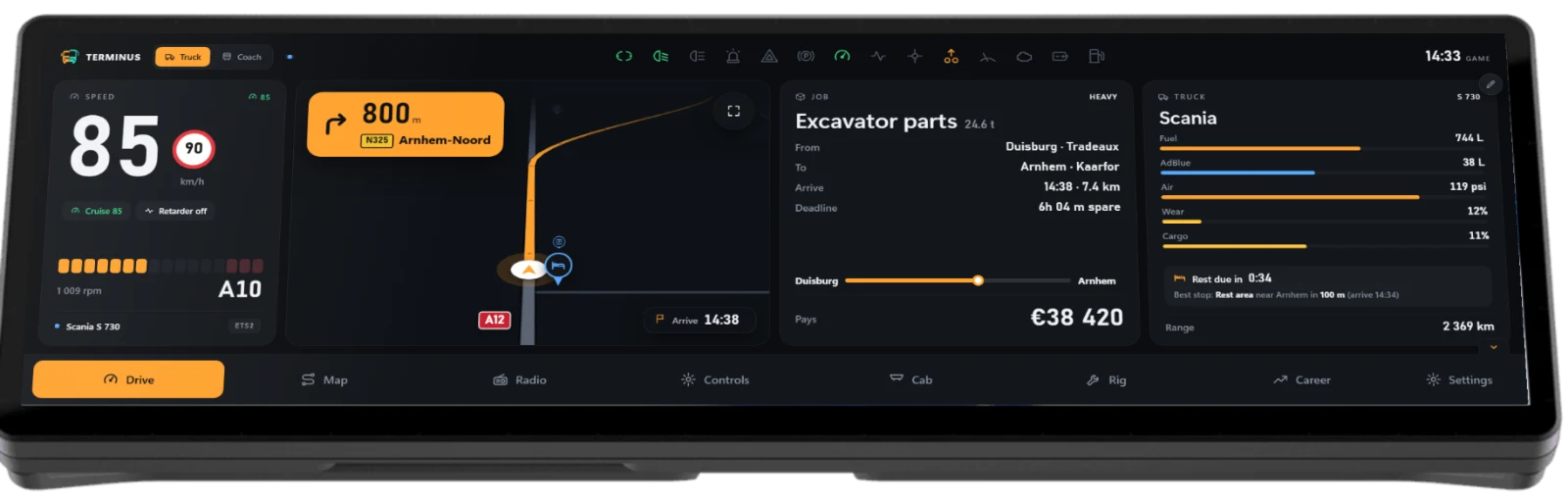
Drive them smooth.
- Front and rear doors on real switches; close them before you pull away
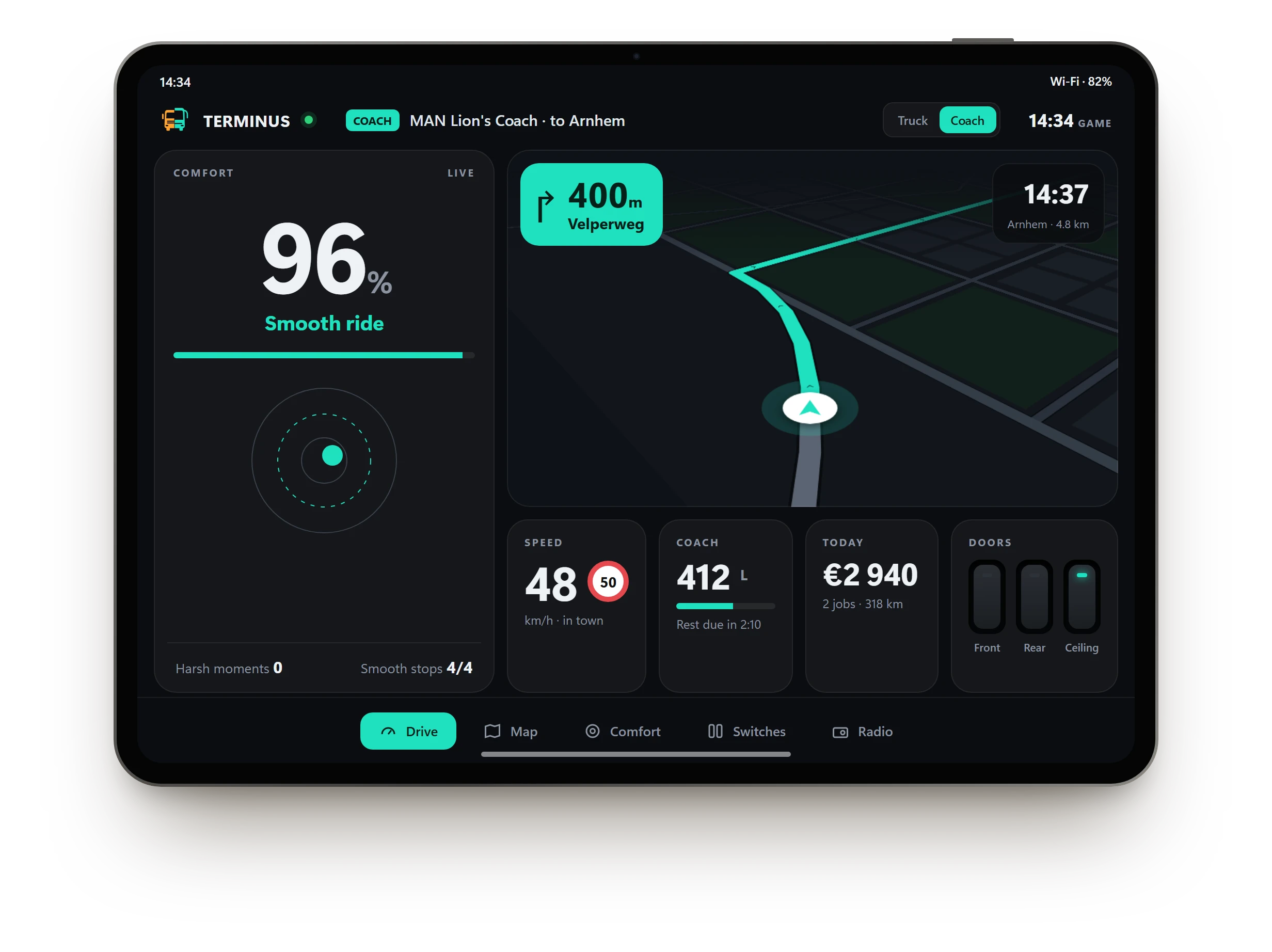
- Comfort score from real G-force: passengers feel every harsh brake, sharp turn and speeding stretch
- Destination sign, ceiling and ambient light, sun visors on real switches
- Coach mode: its own teal look, layout and switches, picked up automatically
- Fuel, wear and rest for the coach, and the route in teal
- Built for the Coaches DLC: more features arrive as SCS Software adds them.
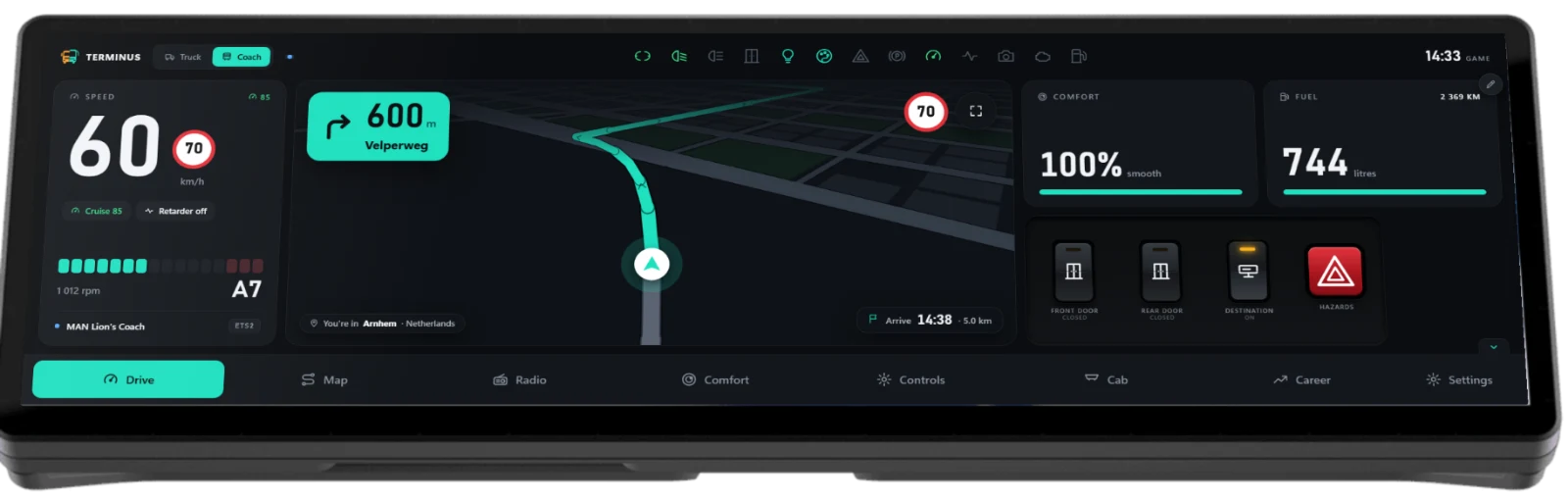
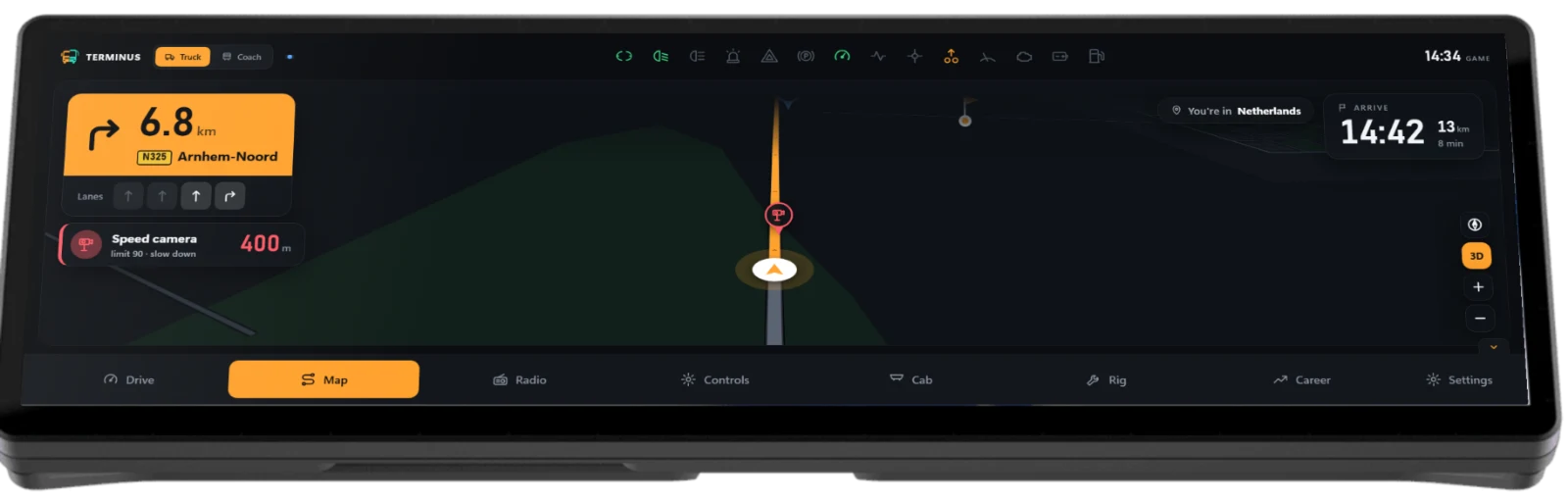 Pinch to zoomDrag to look aheadTwist to rotateTilt for 3D
One map. Really interactive.
A live map built from your own game files, map DLCs included, so every road you can drive is on it. Pinch, drag, twist and tilt with a finger; heading-up or north-up, 3D or flat. The turn card, lanes, speed limit and what's coming up float above it, in amber for the haul and teal for the line.
Versatile by design.
- Truck or Coach, automaticallyIt follows what you drive; each mode keeps its own colour, dash and switches.
- Both gamesEuro Truck Simulator 2 in kilometres and euros; American Truck Simulator in miles, dollars and exit numbers.
- Your dash, your wayA 12 × 2 grid you lay out yourself, or six ready templates.
- Day and nightNight drive after dark, and it dims itself when you're parked.
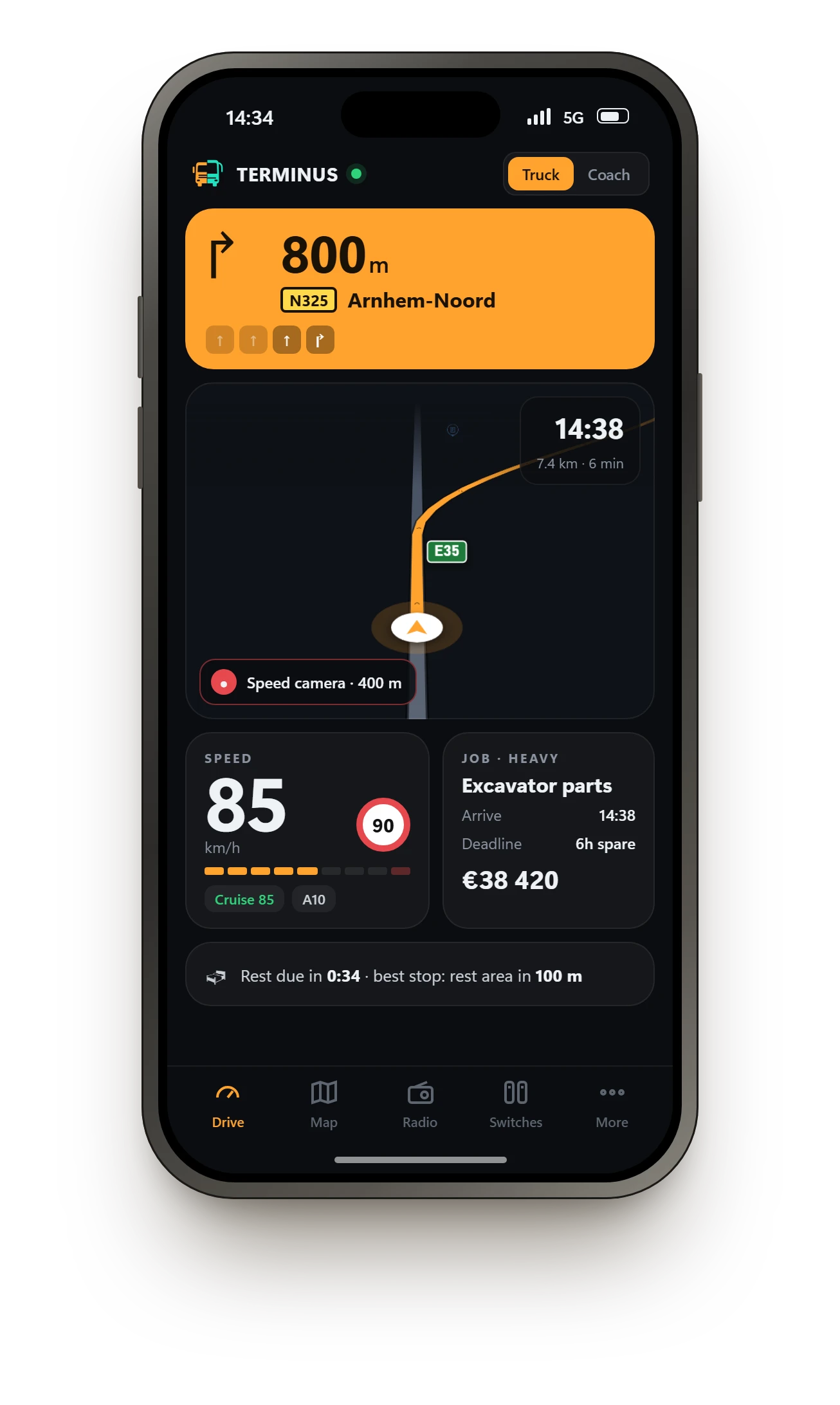
- Any screen, soonXENEON EDGE today; PC window, iPad and phone on the way.
Made for the XENEON EDGE.
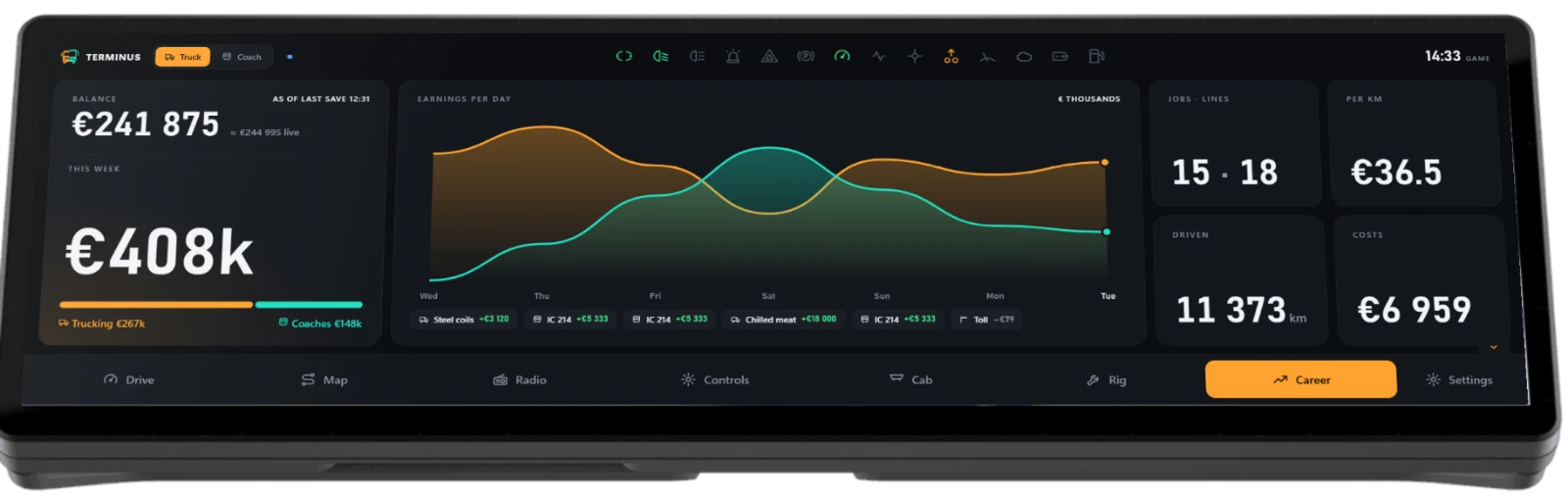
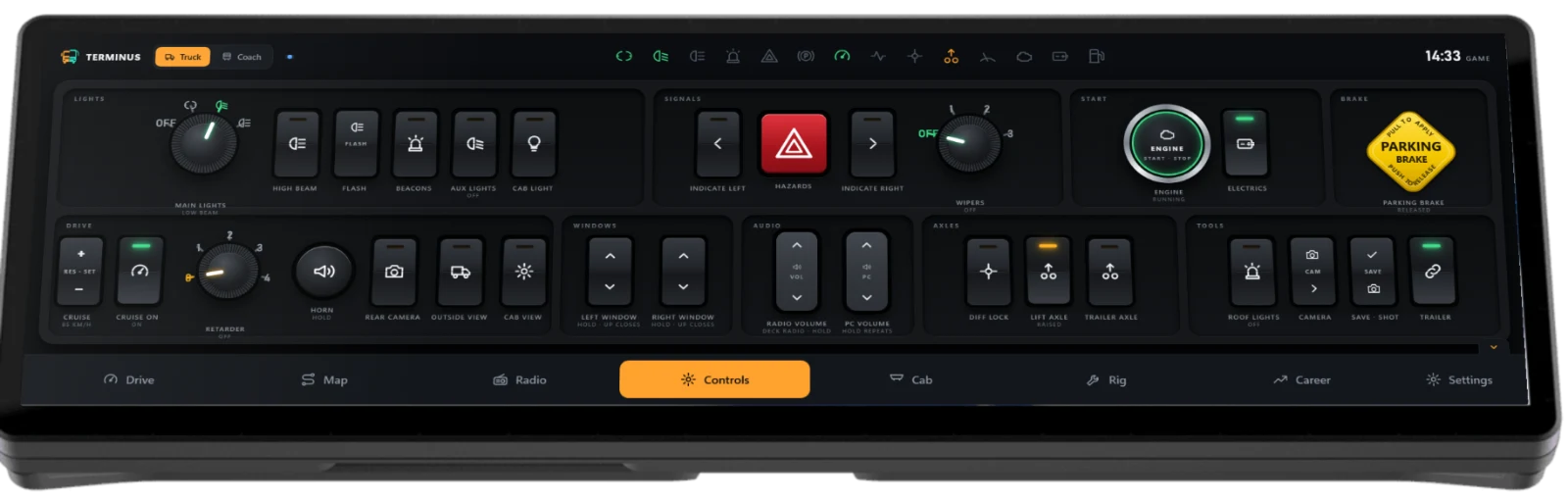
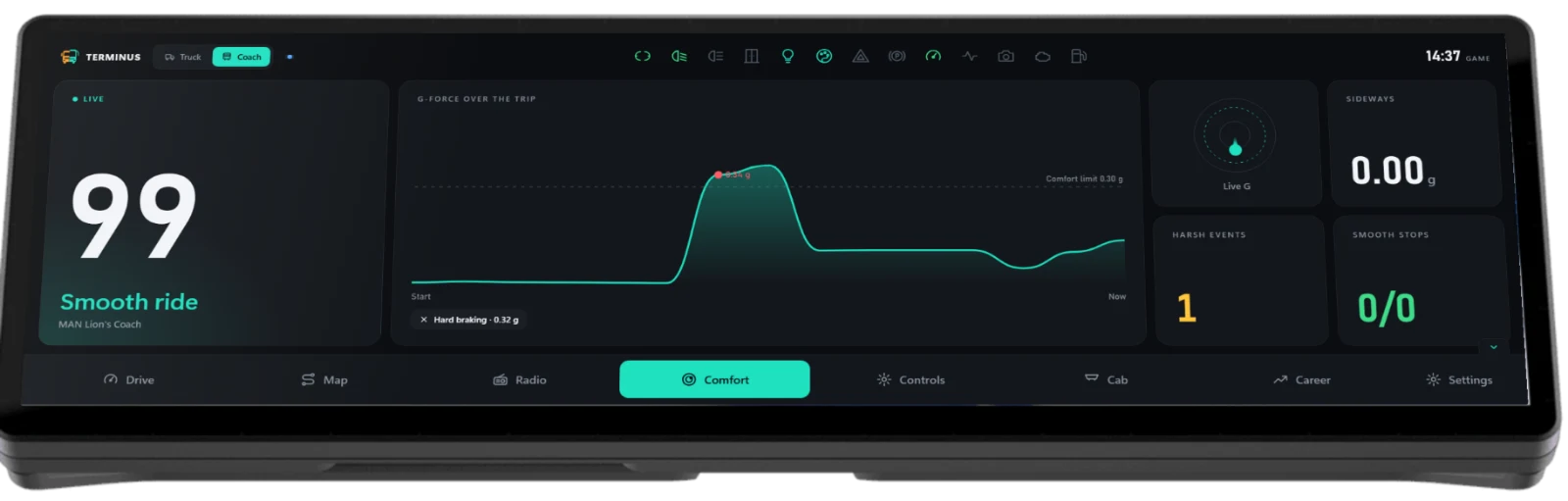
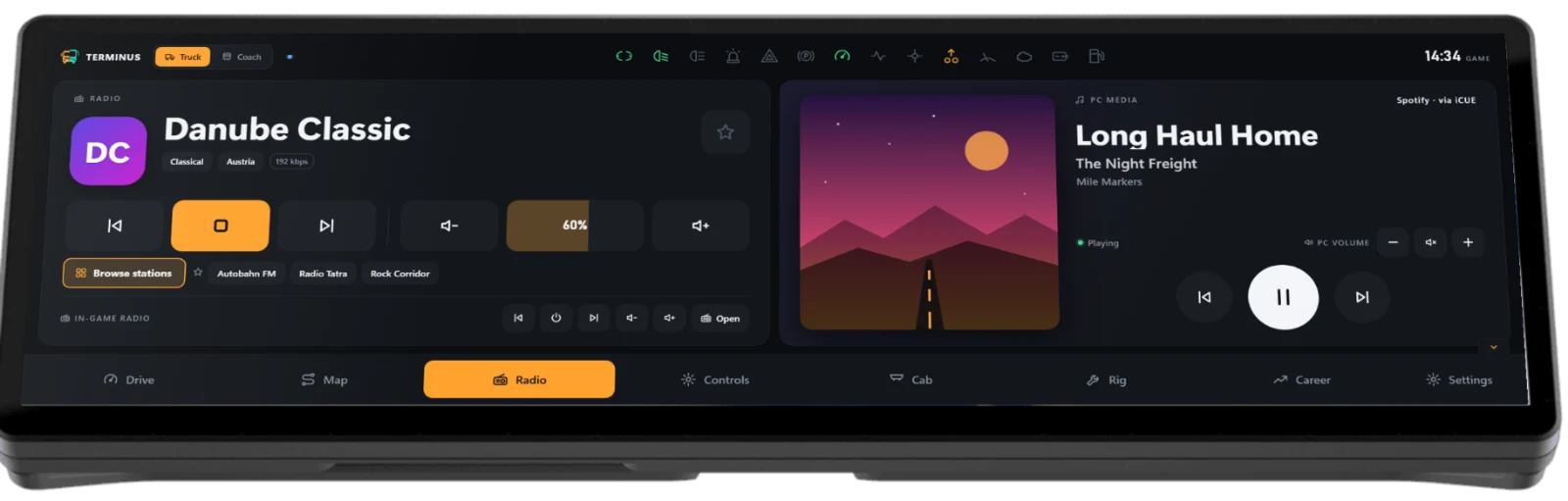
Build the dash you'd fit yourself.
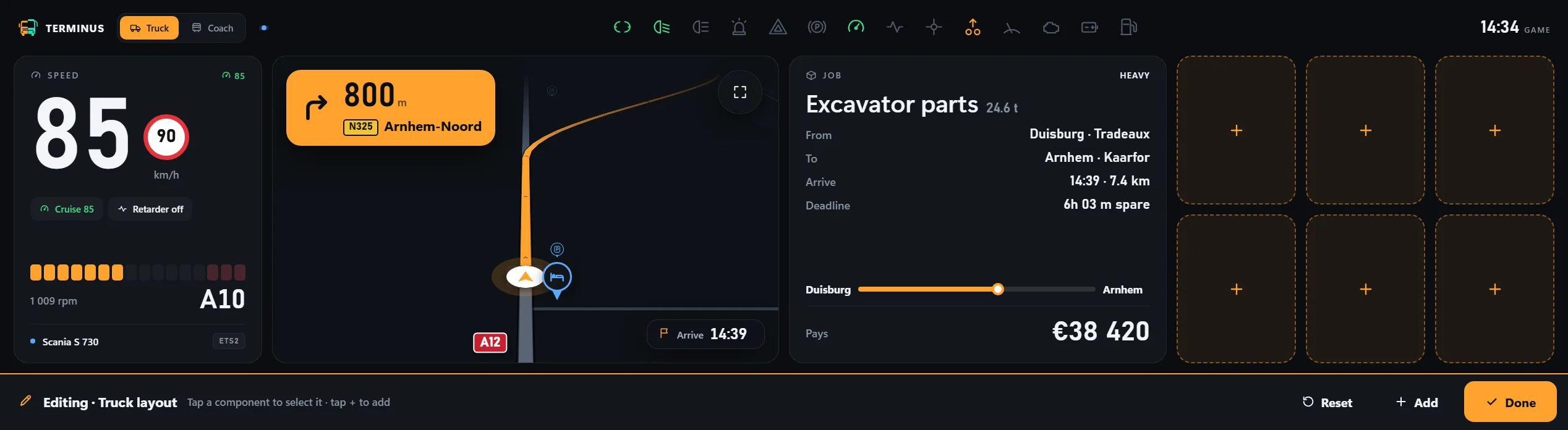
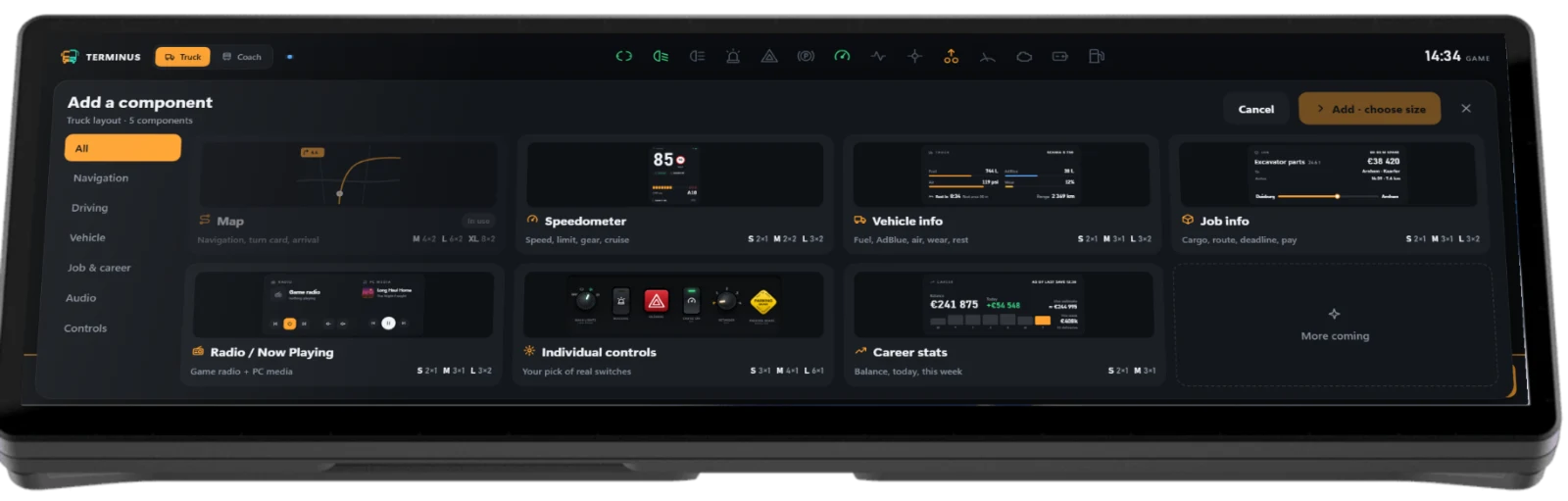
Tap the pencil, then drag tiles onto a 12 × 2 grid, size them S, M or L and move them with a finger. One layout for haulage, another for the line, each saved on its own.
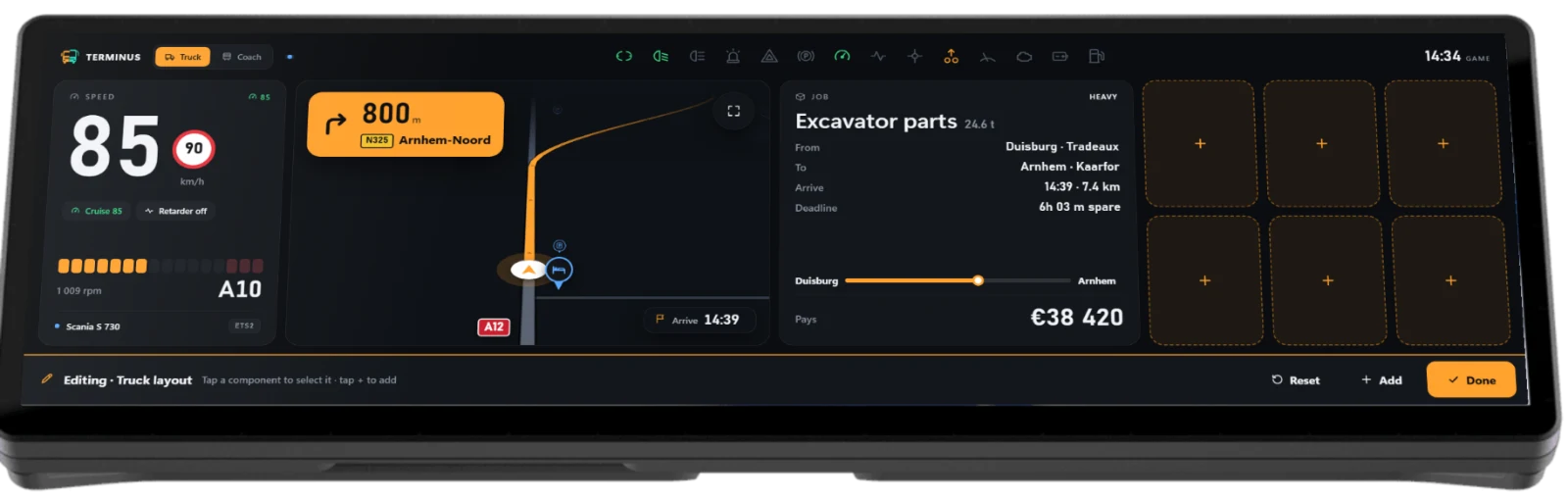
- Tap the pencilThe Drive page goes into edit mode
- Add a tileLive previews, in the sizes that fit
- Drag, size, doneSnaps to the grid; nothing moves until you say Done
Or start from a template: Classic, Map-first, Minimal and Radio-focused for trucks; Coach classic and Map-first for coaches.
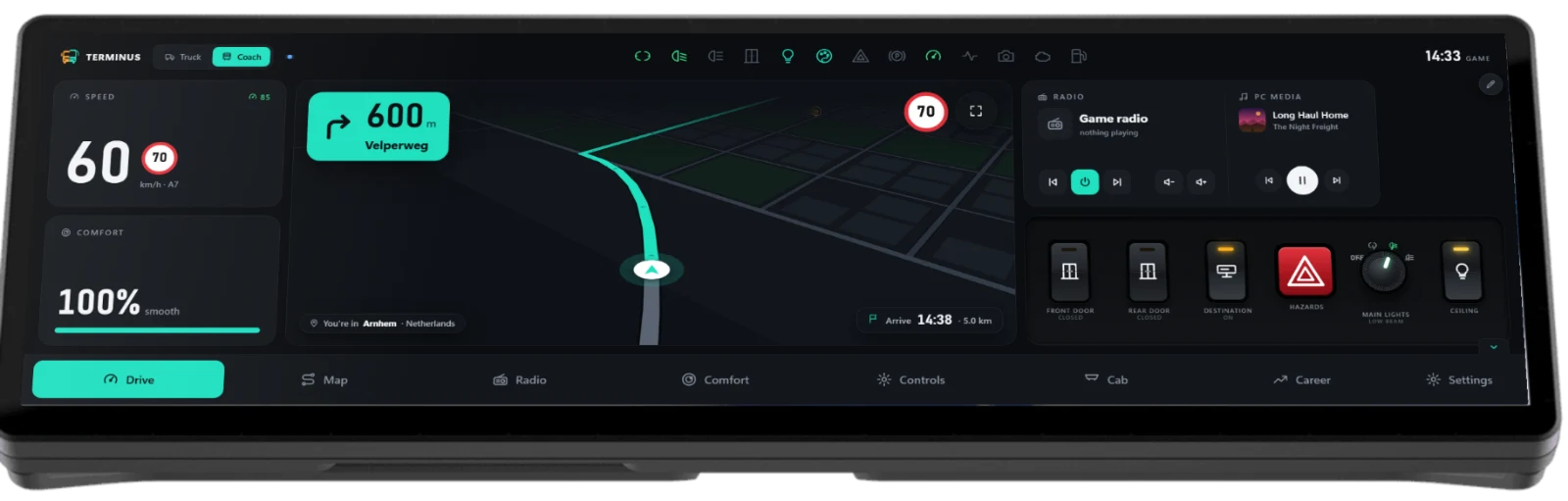
Every page, one tap away.